
High-Intensity VR Fitness App. Designed to transform exercise into a fun and rewarding experience!
How to Get Skyboxes From Google Street View
With the Street View Download 360 tool you can easily create and download 360 degree panoramic images from Google Street View. These images are already in the correct equirectangular format and can be used directly as skybox images in PowerBeatsVR.
Here is what you have to do:
1. Get Street View Download 360
Download the tool Street View Download 360 to your computer from https://svd360.istreetview.com/
2. Select a Panorama you want to use
Go to Google Maps and open the Street View panorama you want to download.
You can use any Street View panorama you want, on some street or other location that was captured by Google themselves, or also single panoramic pictures uploaded by users.
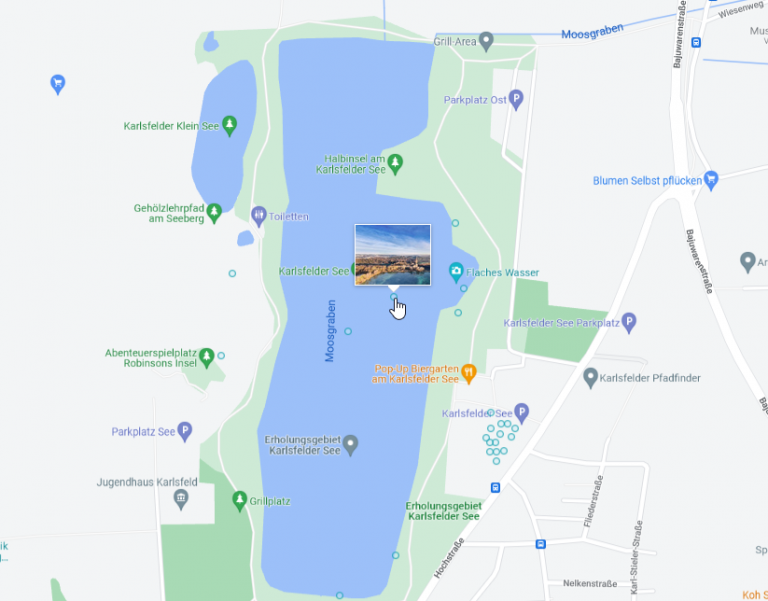
Drop your little yellow man on the map at the respective location or click on the dot to a picture and take a look at the panorama. What you see is what you get.
3. Copy the URL
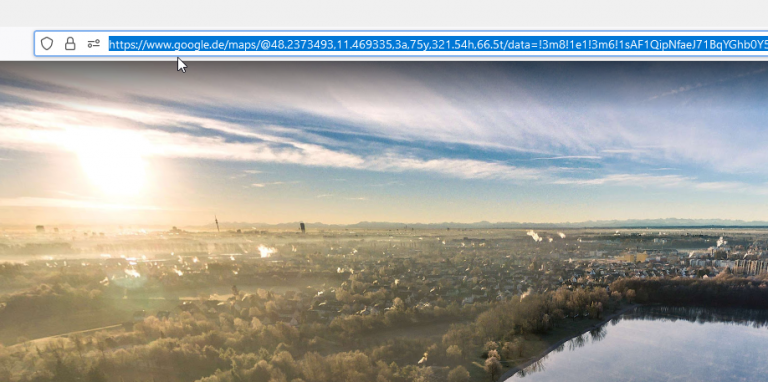
When you like what you see just go to the browser tab and copy the URL.
4. Paste to Street View Download 360 and download
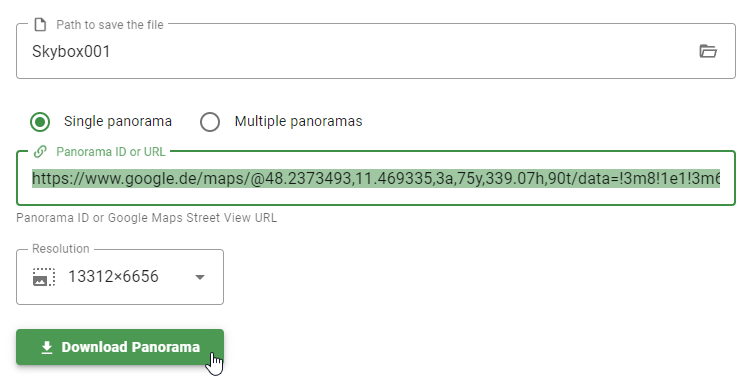
Open the App Street View Download 360 and paste the URL in Panorama Download, select the name and path for the image to be downloaded.
Select the highest resolution 13312×6656 and click on “Download Panorama”.
Copy the downloaded image to a folder on your PC or headset that you can access from inside the game.
Now you can simply select the skybox image from within PowerBeatsVR and use it as your environment.
Have fun playing in the most amazing places all over this planet!